
UNLOCK A NEW CLASS OF CAPABILITIES
Notch supports a growing ecosystem of AI-powered tools, offering you more control and new, flexible ways to work.
More tools. More control. We’ve always been about providing artists with the best available tools on the market - and there are some pretty useful new AI tools out there.
WHAT'S IN IT FOR YOU
FEATURES
New ways to bring AI into your Notch workflow.
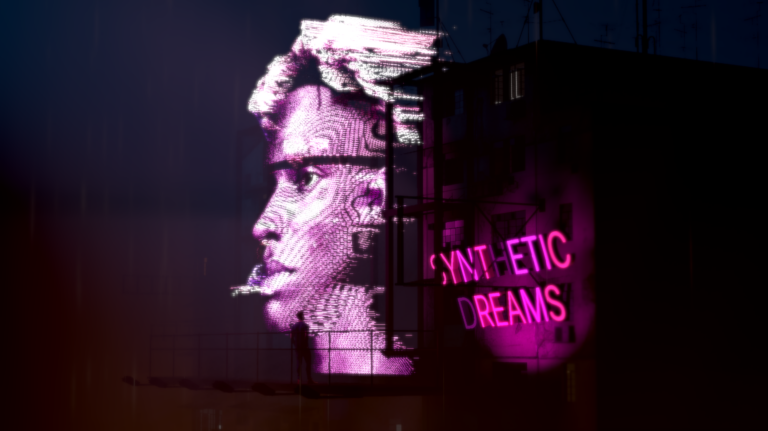
ONNX MODEL SUPPORT
Import AI-based image processing modelsRun third-party ONNX or custom-trained models directly inside Notch for background removal, segmentation, depth, upscaling, and more.
Learn how it works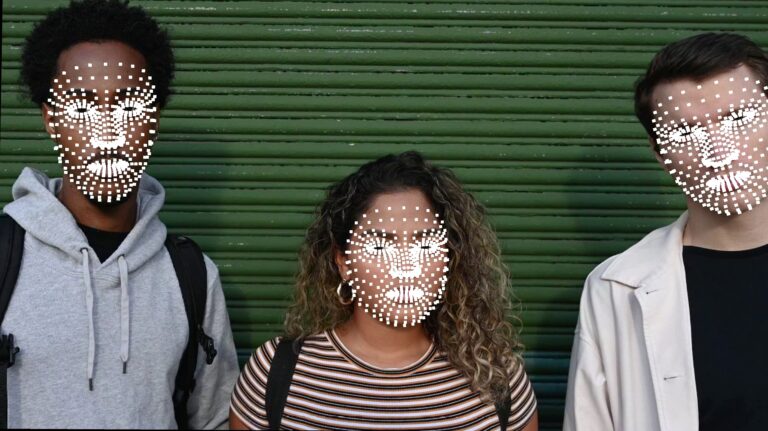
FACE TRACKING
More precise than ever beforeImport ONNX models in the Google MediaPipe format for face detection and facial landmark tracking, driven live.
Learn more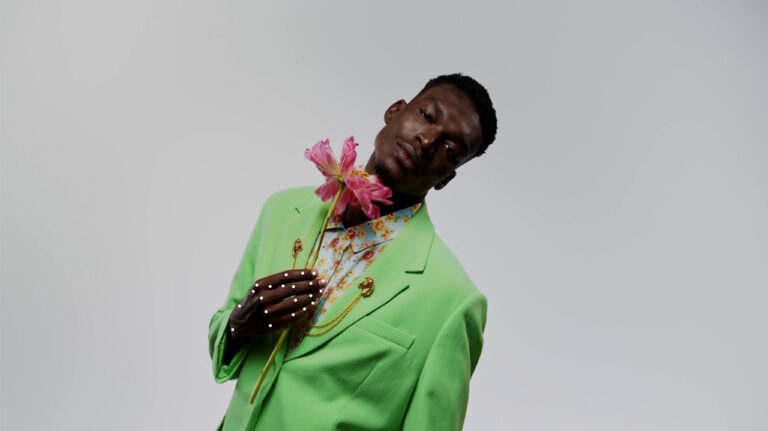
HAND TRACKING
Exact tracking, liveCombine palm detection and landmark tracking to follow hand movement and gestures live, driving clones and effects from a performer's hands
Learn more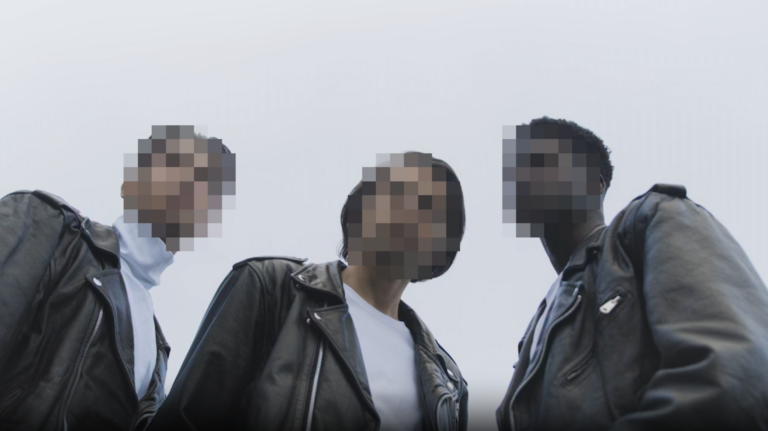
ONNX IN NOTCH BLOCKS
For production useDeploy ONNX-powered effects to a media server for production use, with the full flexibility and reliability of a standard Notch Block.
Learn how it works
DEPTH ANYTHING
See depth in any sceneDepth Anything V2 estimates depth from a single image, so you can drive effects like glow, fog, or relighting based on what's near and what's far. Available under the Apache License.
Download now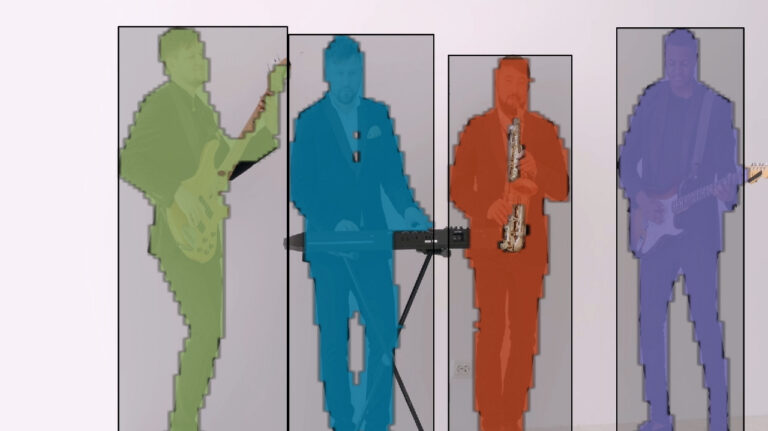
YOLO TRACKER
Trigger visuals from real movementDetect and track objects using a YOLO AI model. Trigger visuals from a performer's movements, generate clones from detected objects in real time, and identify objects in any video stream.
Learn more
GAUSSIAN SPLATS
Importing and rendering supportImport Gaussian Splats and use them like any native object in your scene: ray traced, deformable, fully lit, with shadows, reflections, and interaction with other 3D objects.
View the details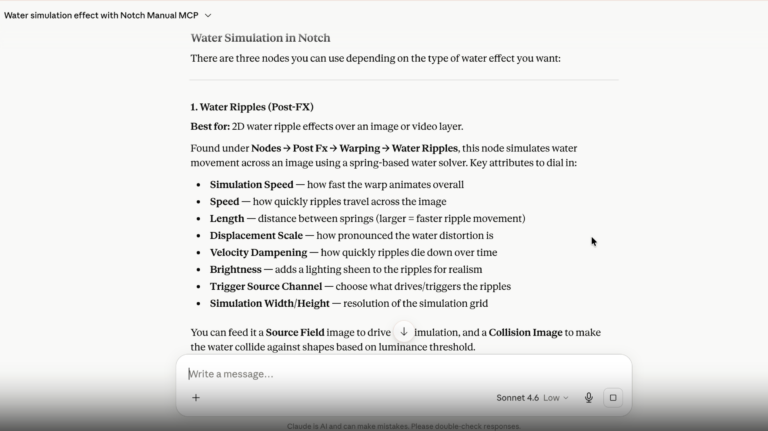
MANUAL MCP
Ask your LLM anything about NotchConnect the Notch User Manual directly to Claude, ChatGPT, or your LLM of choice and get answers to your Notch questions right when you need them.
Steps to set it upSTART EXPERIMENTING
Check out our tutorials to get you building with AI models right away.
GETTING STARTED WITH AI
Learn how to set up ONNX models.
Get Started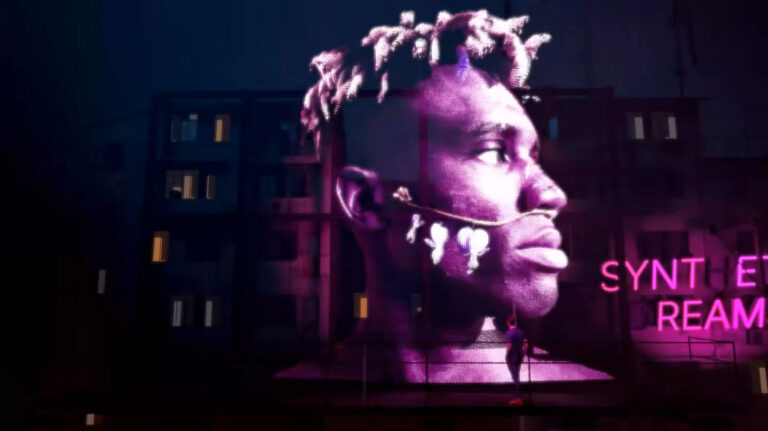
AI HOLOGRAM EFFECT
Learn how to use AI Depth and Background Removal.
Learn How
AI FACE TRACKER
Learn how to use an ONNX AI face tracker in Notch.
Watch NowEXPLORE WHAT'S POSSIBLE.
EXPLORE WHAT'S POSSIBLE.
Get Notch today and start exploring AI models, Gaussian Splats, and the Manual MCP.